Turn Every Service Request Into a Satisfied Customer
Manage customers, devices, service tickets, quotations, technicians, spare parts, payments and follow-ups - all from one powerful Computer Service CRM.
Less paperwork. Fewer missed updates. Faster service. Happier customers.
Next-Level CRM for Your Computer Service Business
Let's Build It
Still Running Your Computer Service Business on WhatsApp, Excel & Paper?
A customer calls about a laptop issue. Another walks in with a desktop. A technician is waiting for an update. A quotation is sitting in WhatsApp. Spare parts are being tracked separately. And you're trying to remember which customer is waiting for a call.
Running a computer service centre shouldn't feel like managing a hundred things at once.
There's a better way.
Service requests getting lost?
Difficult to track customer devices?
Technicians unsure what to work on next?
Quotations taking too much time?
Spare parts difficult to monitor?
Customers constantly asking for status updates?
Pending payments being forgotten?
Service history scattered across notebooks and WhatsApp?
“ Computer Service CRM brings your entire service operation together - from customer enquiry to device delivery. ”
One CRM. Every Service. Every Device. Every Customer.
From the moment a customer brings in a laptop or computer to the final delivery, manage the complete service journey from one place.
No more searching through WhatsApp.
No more lost service records.
No more guessing what happened to a device.
Your service centre. Completely under control.
Receive
Capture every service request from any channel.
Diagnose
Record device details and the issue reported.
Quote
Create and send a professional repair quotation.
Approve
Customer approves the quote and the job begins.
Repair
Assign technicians and track spare parts in real time.
Deliver
Hand over the device and keep the customer relationship going.
Everything You Need to Run a
Smarter Computer Service Centre
Capture Every Service Request
Create service tickets for every customer request - whether it comes through walk-ins, phone calls, website enquiries or other channels.
Track Every Device
Maintain complete device details including laptop, desktop, printer or other equipment, serial number, accessories, issue reported and service history.
Manage Customers Easily
Keep customer contact details, devices, previous services, quotations, payments and communication history organised in one place.
Create Professional Estimates
Prepare repair estimates quickly with service charges, spare parts, labour and other costs - then share them with your customers.
Get Approval Before You Repair
Track estimate approvals and know exactly which jobs are approved, rejected or waiting for customer confirmation.
Assign Jobs to Technicians
Assign service tickets to the right technician and track job progress from diagnosis to completion.
Track Spare Parts
Know which parts are required, used, pending or replaced for every service job.
Keep Customers Updated
Know exactly where every service request stands - Received, Diagnosing, Waiting for Approval, Under Repair, Ready for Delivery or Completed.
Never Miss a Follow-Up
Get reminders for pending approvals, customer calls, promised delivery dates, payments and post-service follow-ups.
Stay on Top of Payments
Track advance payments, pending amounts, completed payments and complete payment history for every service.
Complete Service History
See what was repaired, which parts were replaced, how much was charged and when the device was serviced - all in one place.
Know Your Business Numbers
Track service requests, completed jobs, revenue, pending payments, technician performance and overall business growth.
From "Device Received" to "Delivered"
Without the Chaos
Scroll down to experience how every repair moves transparently through 9 automated stages.
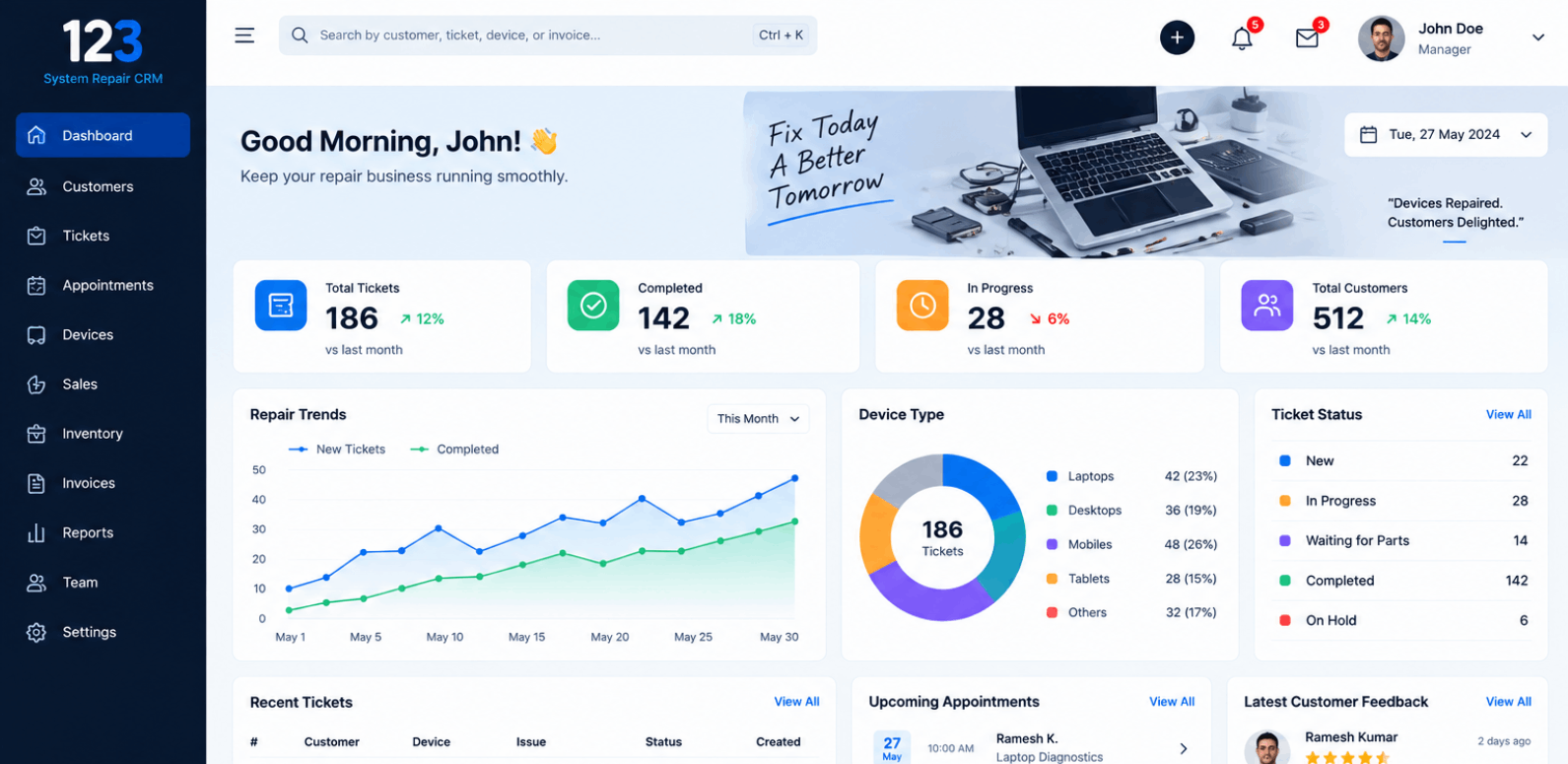
Your Entire Business.
One
Dashboard.
Personalized modules
Customize your photography CRM with modules that fit your business - from booking and shoots to payments and delivery.
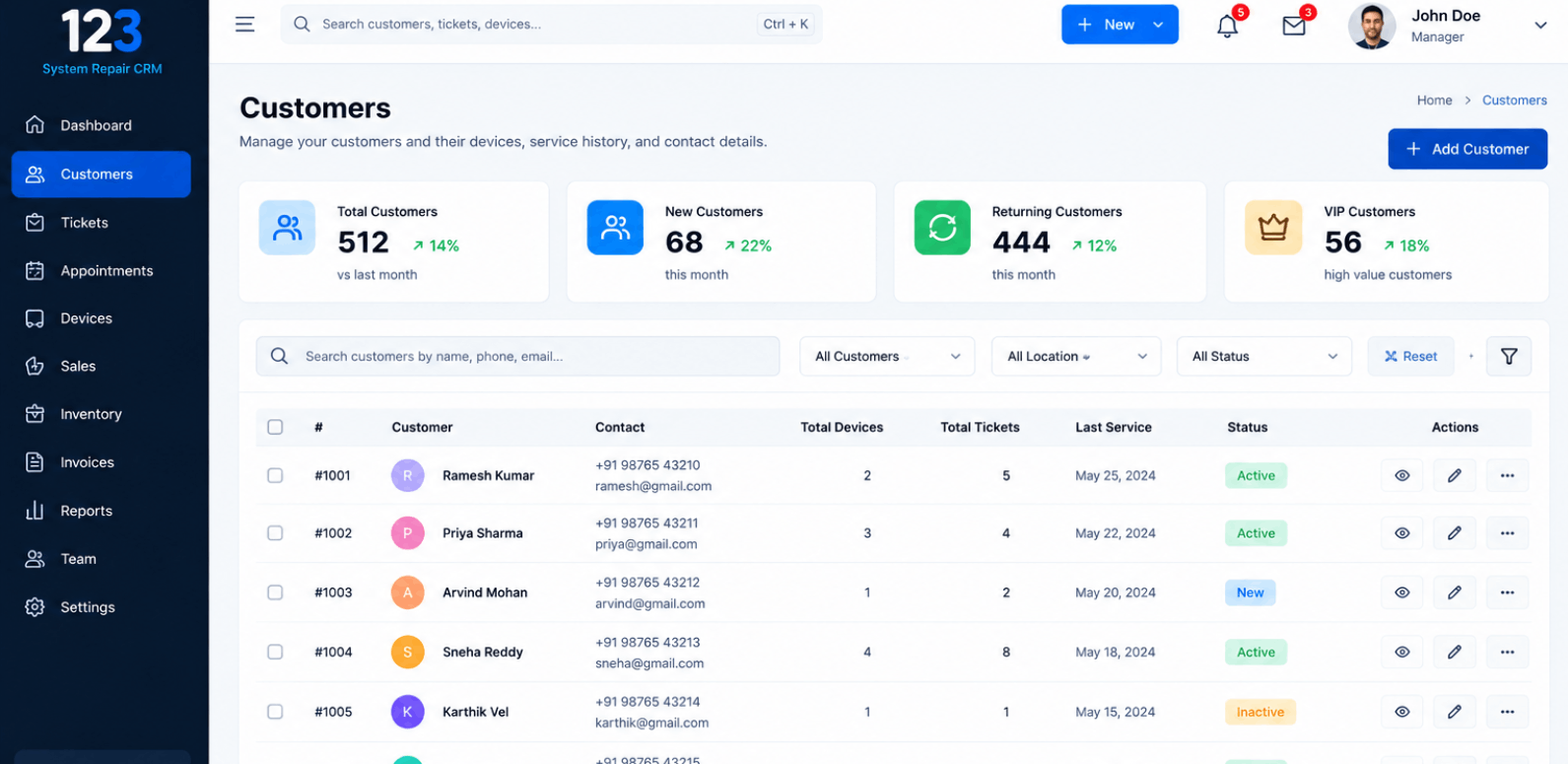
Streamlined access regulation
Role-based access control that ensures the right people have the right permissions at every level of your CRM.
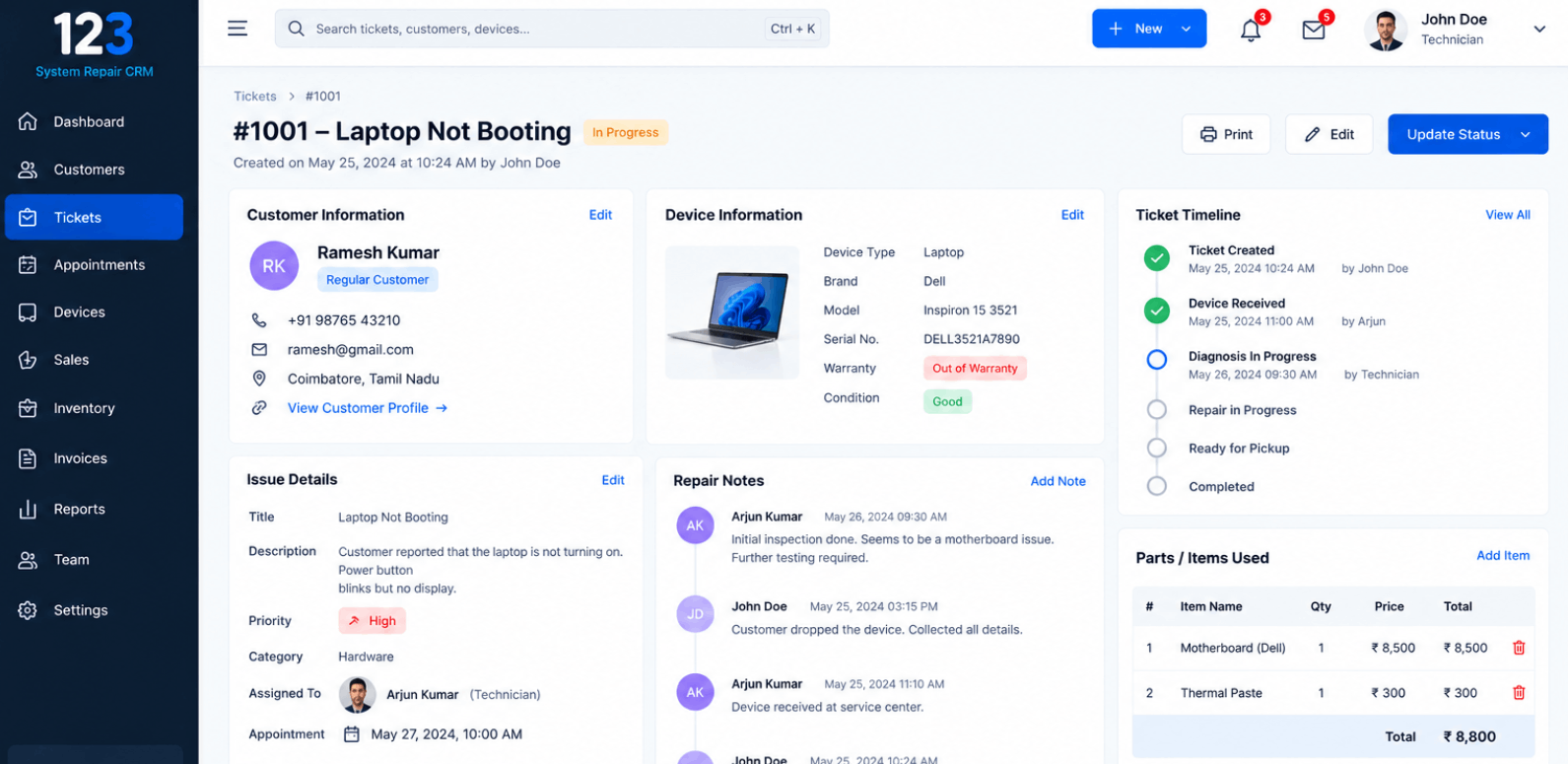
Smart filters, contextual views
Filter leads, deals, and activities intelligently. Switch between contextual views that match your workflow.
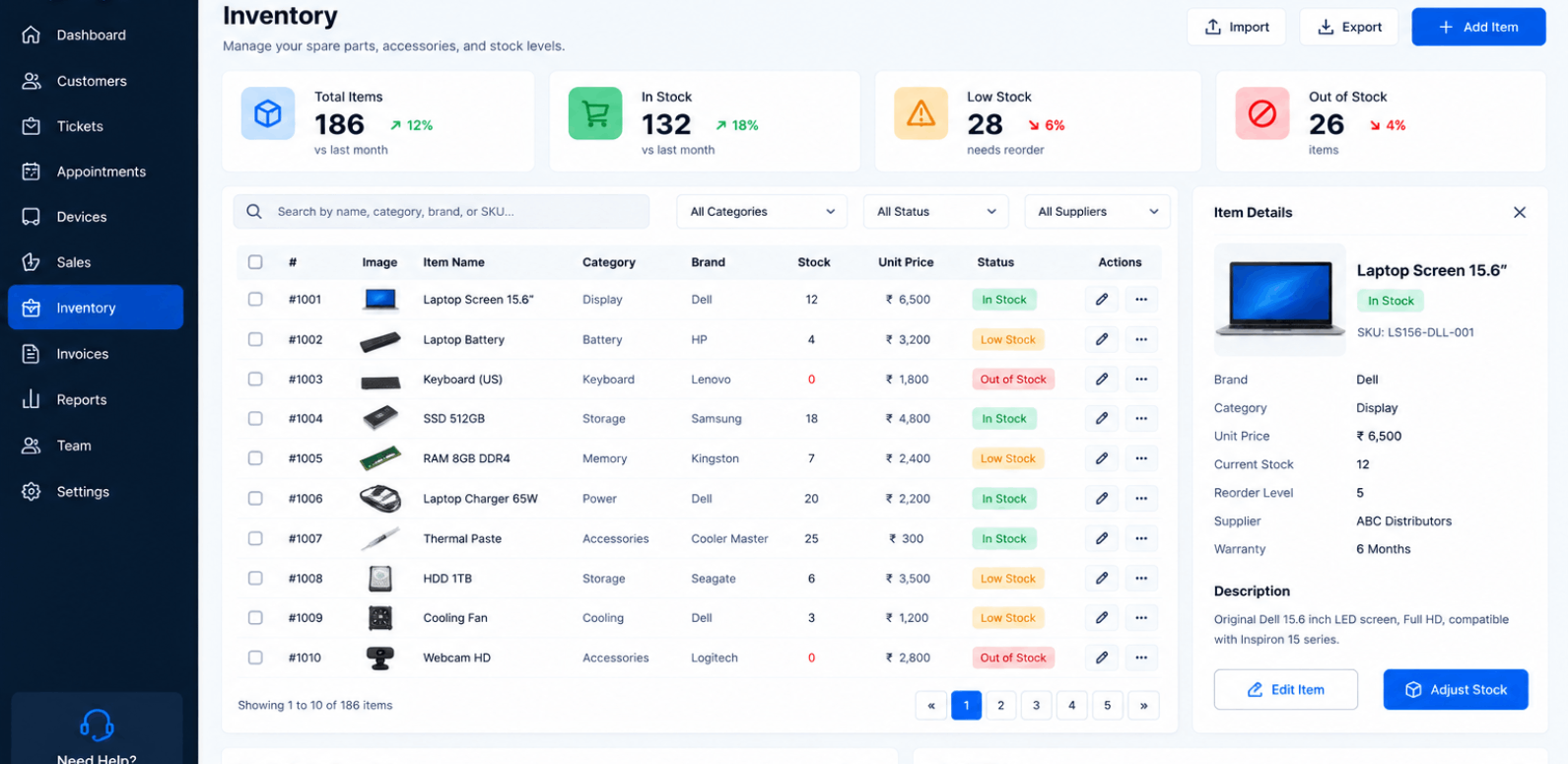
Diverse integrations and extensions
Connect your CRM with WhatsApp, email, payment gateways, property portals, and third-party tools seamlessly.
Trusted by Service Businesses
That Want to Work Smarter
Proven CRM Solutions Trusted by Clients
Real CRM Solutions delivering measurable results across diverse industries.
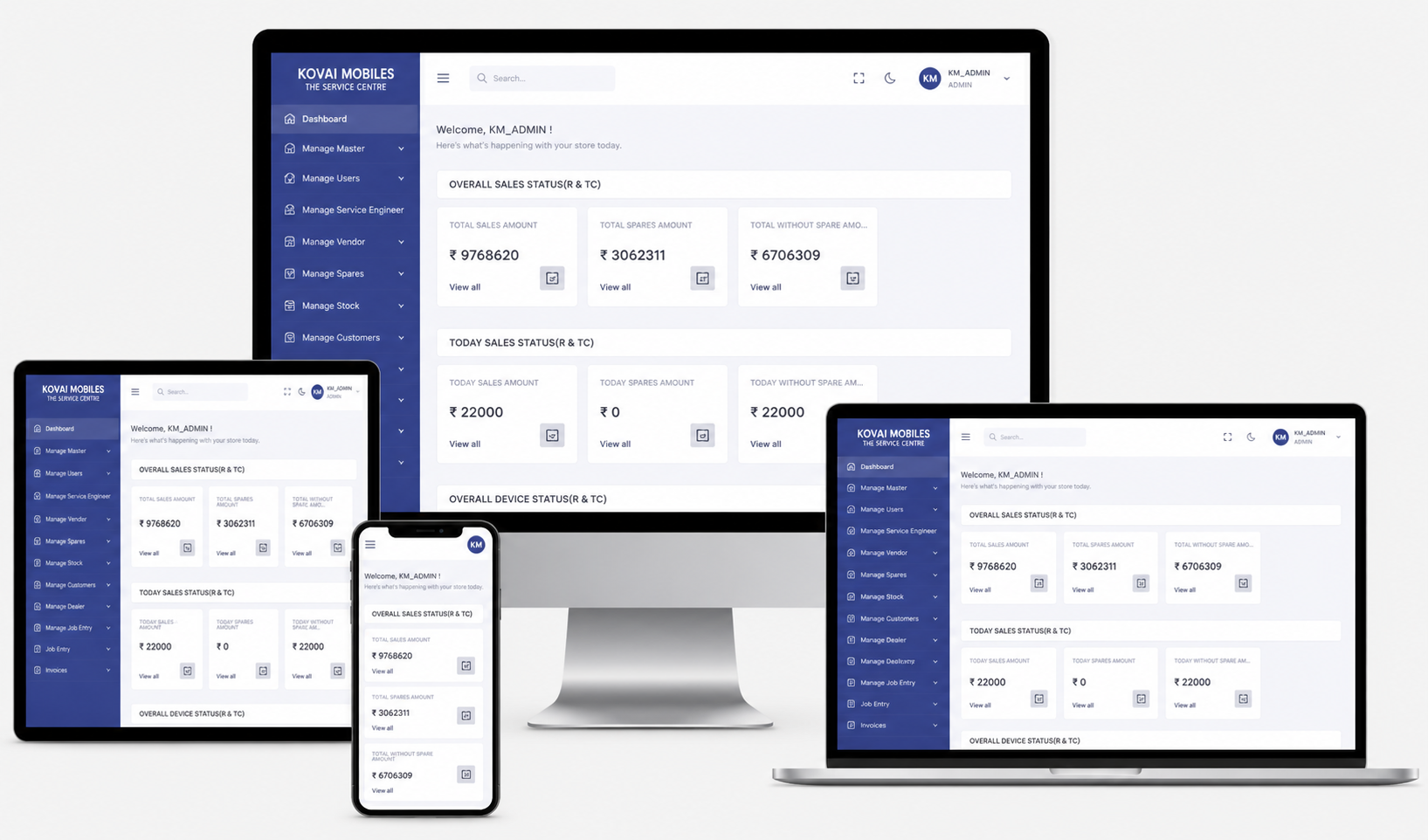
Kovai Mobiles
Smart CRM for managing mobile repairs, service tracking, and customer updates.
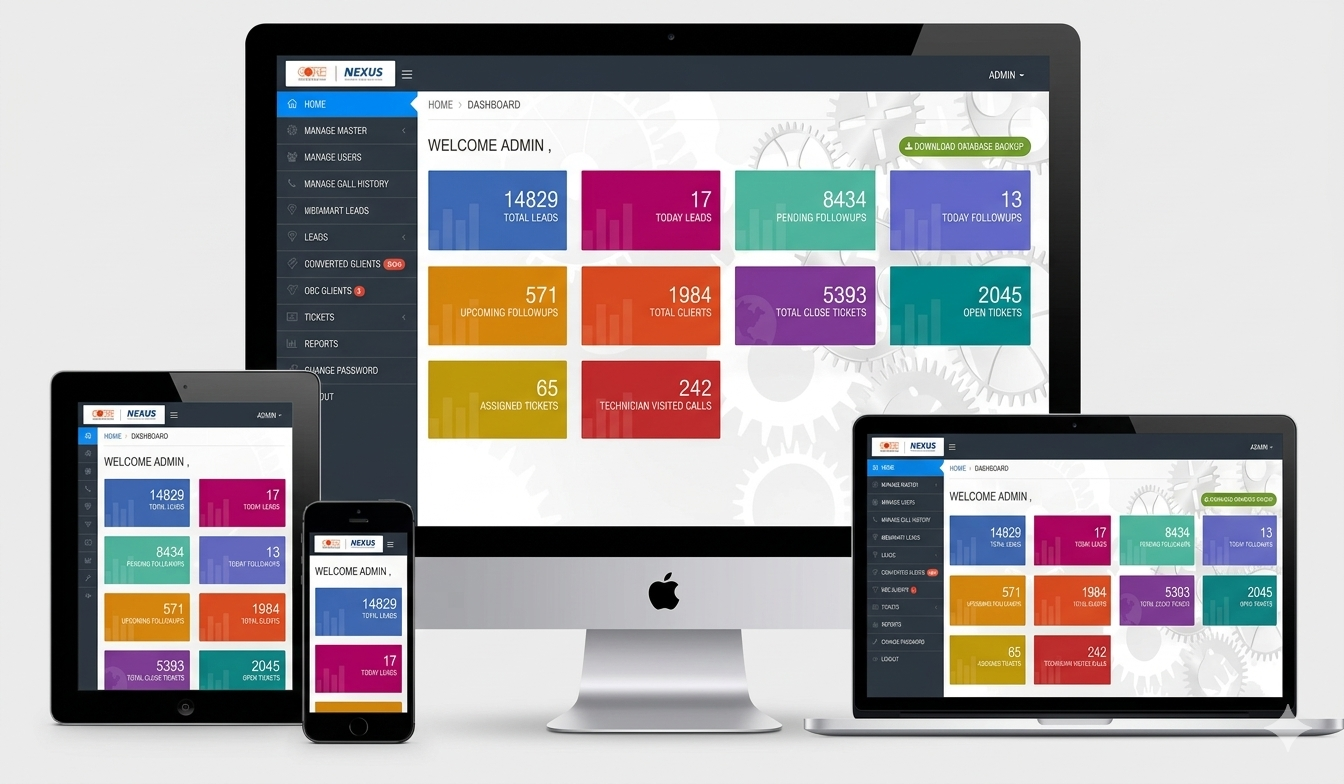
Core Automotive
Robust ticketing CRM for handling service requests and issue tracking.
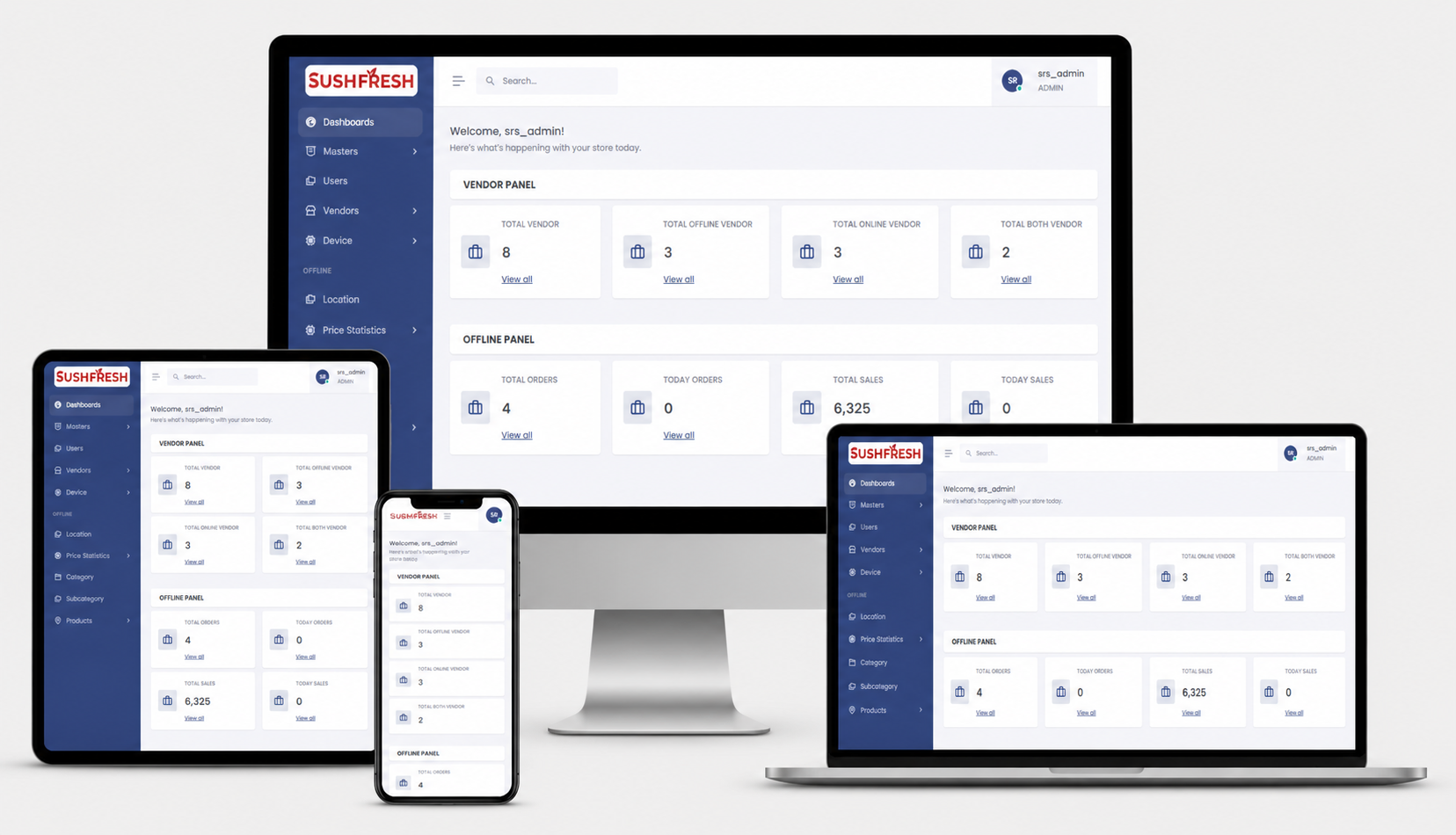
Sushfresh
All-in-one billing CRM for seamless invoicing, stock tracking, and sales insights.
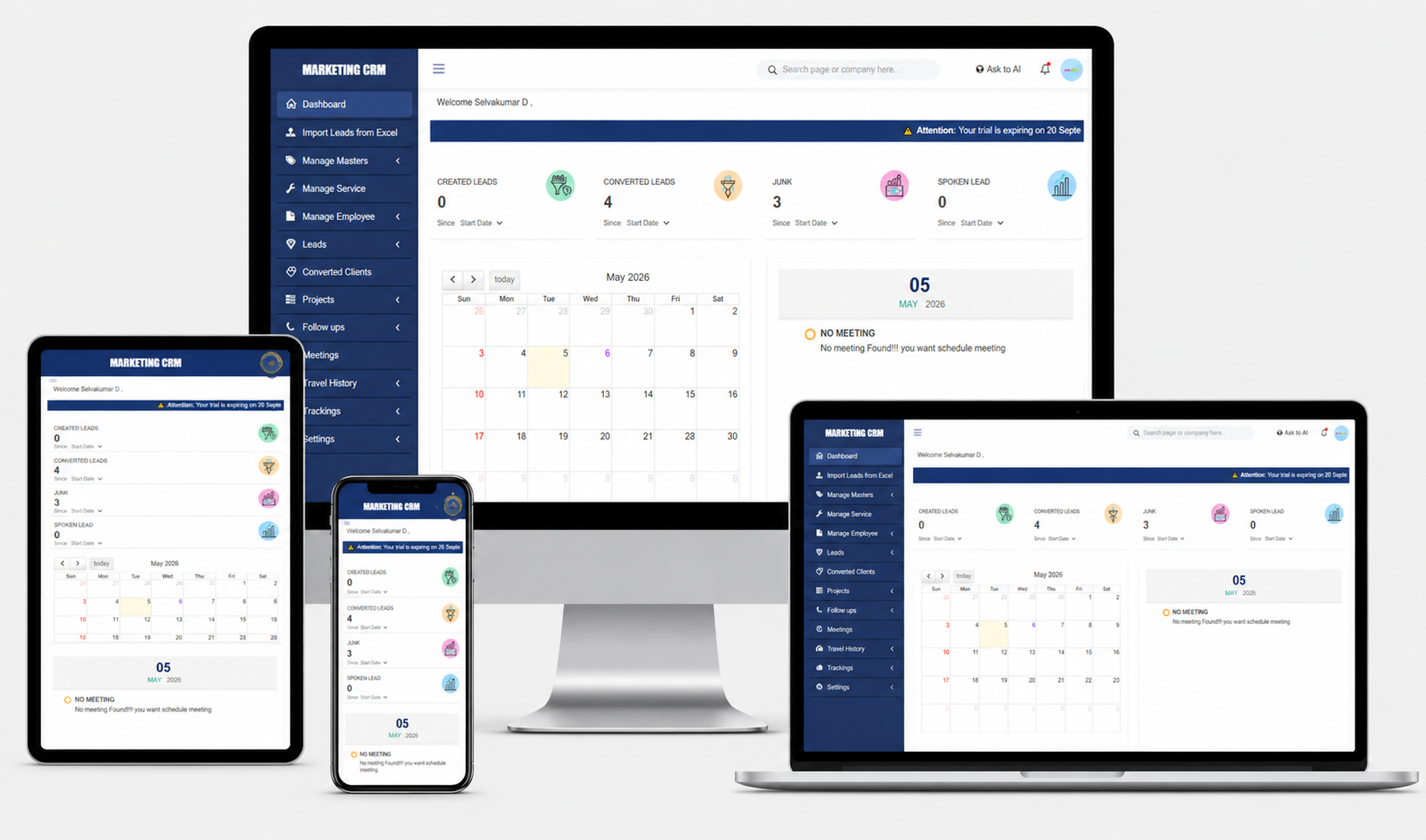
Marketing CRM
Powerful CRM to manage campaigns, leads, and customer engagement in one place.
Ready to Put Your Service Centre
on Autopilot?
Manage customers. Track devices. Control repairs. Monitor payments. Grow your service business.
Let your CRM handle the service management — while your team focuses on fixing computers.
Book a Free DemoYour Service Centre. Your Customers. Your Devices. One Powerful CRM.
We Partnered With